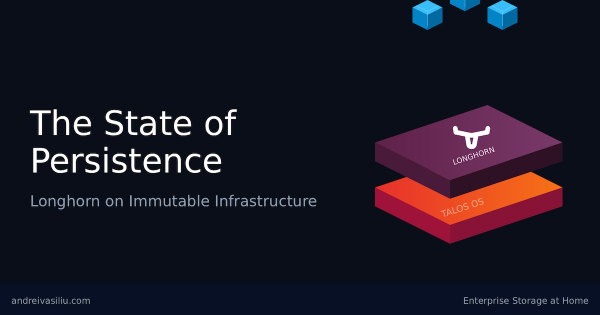
The Paradox of Statelessness # Kubernetes is designed to be ephemeral. Pods die, nodes are replaced, and the cluster heals itself. This “stateless” philosophy is efficient for application logic, but it hits a hard wall when you need to store data. Databases, message queues, and media servers all need a place to live that persists beyond a pod restart.
Locking it Down - From HTTP to HTTPS # In the preceding chapters, we established the networking foundation for a production-grade bare-metal Kubernetes platform.
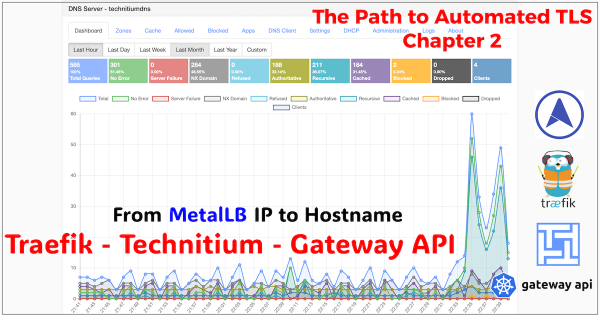
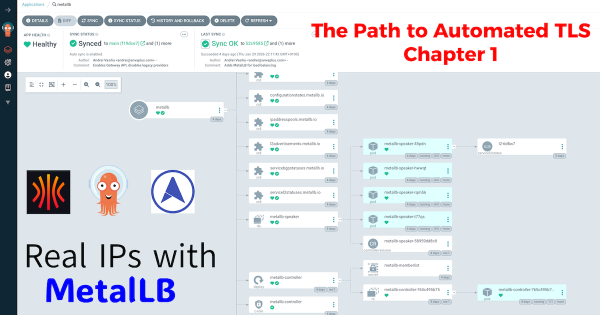
From IP Address to Intelligent Gateway # In Chapter 1, we laid the foundational pillar by solving the bare-metal IP address problem with MetalLB. Our test NGINX service successfully acquired the IP 10.20.0.90, proving our cluster can now serve traffic like its cloud-native counterparts.
The Path to Automated TLS: A Three-Part Guide # The path to achieving fully automated, production-grade TLS on a bare-metal Kubernetes homelab is a rewarding but detailed journey. To do it justice, I’ve structured this guide as a three-part series… a continuous story where each post builds on the last. Frankly, cramming everything into a single, monolithic article would be an overwhelming read.
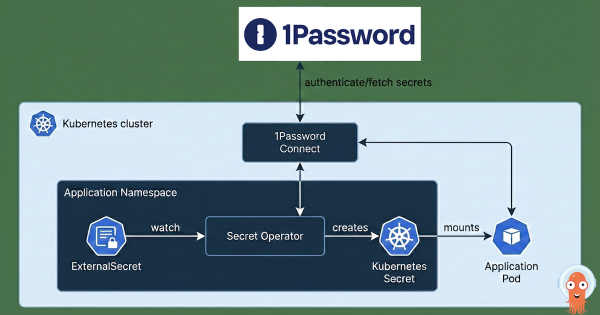
After building a Kubernetes cluster and setting up Argo CD to manage its configuration, what’s the very next thing you should install? For me, both in production and in my homelab, the answer is always the same: External Secrets Operator. This post explains why and shows you how I integrate it with 1Password to bring enterprise-grade secret management to my home setup.
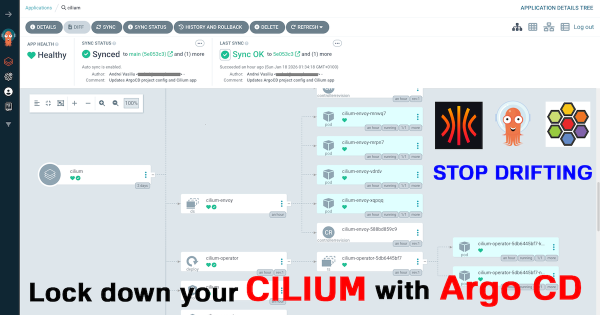
In my last post, Stop Using the Wrong CNI: Why Your Homelab Deserves Cilium in 2026, we established a production-grade networking foundation for our Talos Kubernetes cluster. But a powerful CNI is only half the story. To truly manage our cluster like a professional, we must automate and declare everything.
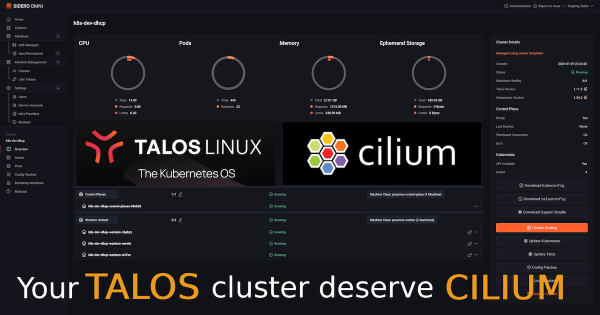
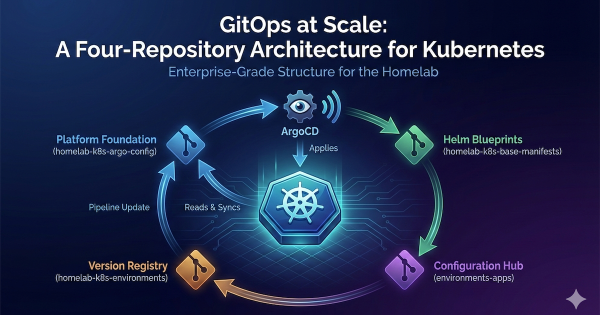
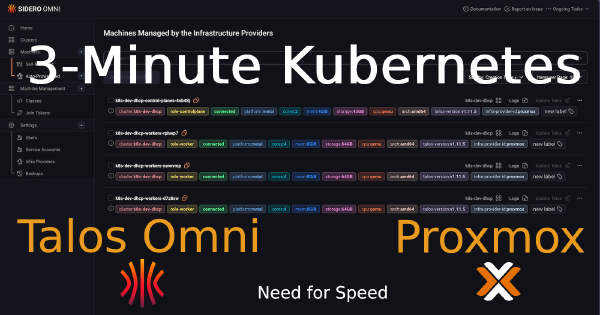
In my last post, The Four-Repo GitOps Structure for My Homelab Platform, I laid out the architectural blueprint for managing my homelab like a production environment. Building on the automation I detailed in my popular post, Need for Speed: Automating Proxmox K8s Clusters with Talos Omni, we now have a cluster ready for a production-grade CNI. Now that we have a solid GitOps foundation and a running Talos Kubernetes cluster, it’s time to address a critical component: networking.
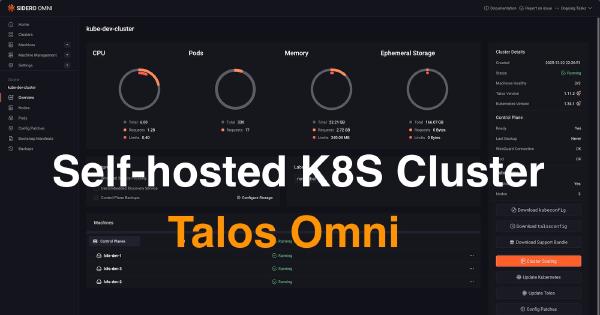
The Journey So Far # In this series, we’ve built a powerful foundation for a homelab Kubernetes platform. We started by installing Talos Omni to get a centralized management plane. Then, we walked the “scenic route” by manually provisioning a cluster to understand the nuts and bolts. Finally, we achieved true velocity by automating cluster creation, turning our Kubernetes infrastructure into a disposable, on-demand resource.
In my previous posts, I walked through installing Talos Omni and then manually provisioning a Talos Kubernetes cluster on Proxmox. Both were essential learning experiences. Getting Talos Omni running was a huge win, and understanding the manual provisioning process… from downloading the ISO, creating VMs, configuring static IPs in the console, and patching nodes… built a strong foundation. But the real game-changer wasn’t just running Kubernetes… it was discovering how quickly I could create it.
In the world of platform engineering, our goal is always to automate everything. But before we can appreciate the elegance of a fully automated workflow, it’s incredibly valuable to walk through the manual process at least once. It builds a deep understanding of what’s happening under the hood.