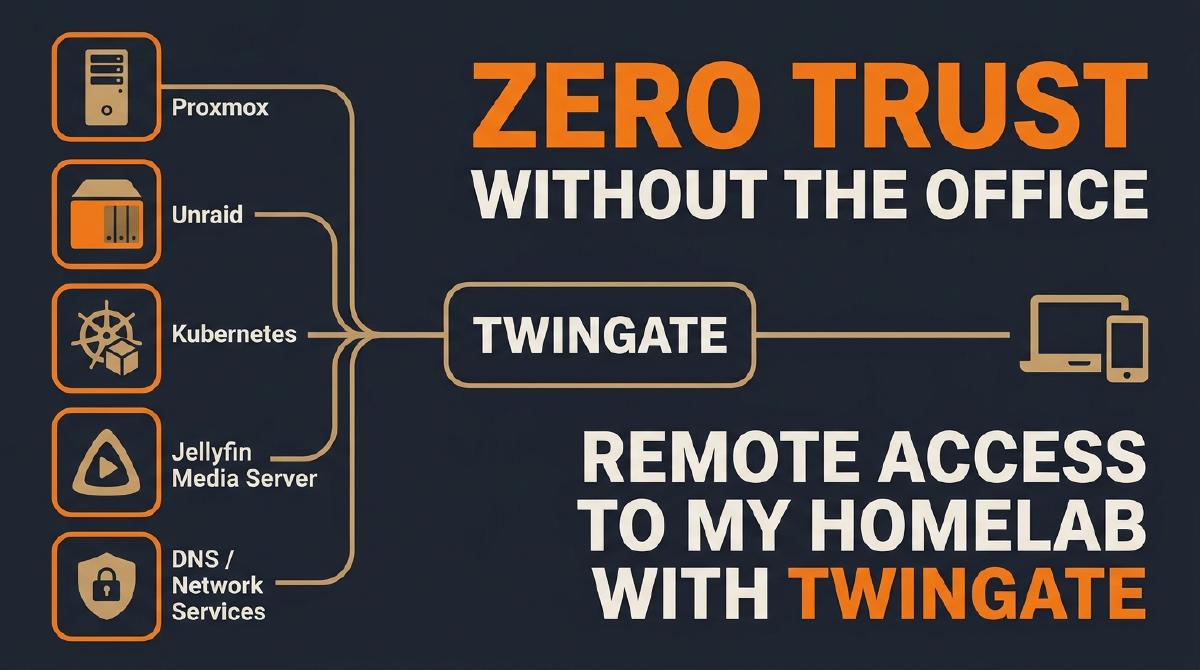

Introduction#
It’s been a quiet few months on this blog — a summer break turned into more of a summer disappearance. But the questions didn’t stop: the one I’ve gotten most often, by far, is some version of “how do you actually get into your homelab when you’re not home?” Fair question. I’ve built a segmented home network precisely so nothing talks to anything it shouldn’t — the last thing I want to do is undo that by punching holes in the firewall for remote access.
So this post is the answer: how I deployed Twingate (the same Zero Trust Network Access (ZTNA) tool I rely on in my day job), to reach every corner of my homelab from anywhere, without a single inbound port open.
Why Zero Trust, Not a Traditional VPN#
A traditional remote-access VPN drops you inside the network. Once connected, you’re on the LAN, and firewall rules (or the lack of them) decide what happens next. ZTNA flips that model: there’s no “inside.” Every request to every resource is authenticated and authorized individually, brokered by outbound-only connectors that phone home to the control plane instead of listening for inbound connections. Nothing needs a public IP, and nothing needs an open port.
It’s the same pattern I’ve helped roll out at enterprise scale professionally, and it maps onto a homelab almost without modification — which is exactly the kind of “small, reproducible analog of an enterprise pattern” this blog is about.
Mapping Connectors to the Network#
My homelab is split across several isolated networks — a general home segment, a dedicated production segment, a guest segment, and so on — plus a mix of virtualized and physical hardware: two Proxmox hosts (one running my firewall, the other running my Kubernetes cluster), a NAS running Unraid, and a low-power Orange Pi. The goal isn’t just one connector per network for access scoping — it’s redundancy across hardware within the same network. Where a network spans more than one physical or virtual host, I place a connector on each of them, so a single hardware failure doesn’t cut off my only path in. If the Unraid box is down for maintenance, a connector running on Proxmox in that same segment still gets me through.
flowchart LR
    subgraph HL["Homelab"]
        direction LR
        N1["Isolated Network A"] --> C1["Twingate Connector"]
        N2["Isolated Network B"] --> C2["Twingate Connector"]
        N3["Isolated Network C"] --> C3["Twingate Connector"]
    end
    C1 --> TG["Twingate Control Plane"]
    C2 --> TG
    C3 --> TG
    TG --> ME["My Device (Anywhere)"]
Each connector only ever makes outbound connections to Twingate’s control plane — nothing here requires inbound firewall rules or a static public IP.
In the Twingate console, this starts with a Remote Network per network segment. Twingate provisions two connectors per network by default, for redundancy:

Installing the Connector on Proxmox#
Most of my infrastructure runs virtualized on Proxmox, so the first priority was reaching the Proxmox hosts themselves from outside the network — starting with the host running my firewall appliance.
Twingate supports several deployment methods per platform. For Proxmox, I went with the community-maintained LXC script rather than a manual Docker or VM install, since it’s the fastest path to a properly isolated container:

The console gives you a ready-to-paste one-liner for the Proxmox host’s shell:
bash -c "$(curl -fsSL https://raw.githubusercontent.com/community-scripts/ProxmoxVE/main/ct/twingate-connector.sh)"I ran it with the Advanced Install option so I could pin the container’s resources and network bridge explicitly, rather than accepting the script’s defaults — the same instinct that makes me review every Terraform plan before applying it. The script provisions an unprivileged LXC container, walks you through pasting in the connector’s access and refresh tokens (issued fresh per connector, and only valid for that one-time registration), and starts the Twingate connector service inside it.
With the connector running, the next step is to create a Resource in that network pointing at the Proxmox host, so it becomes reachable by name instead of by IP. I give every Twingate-only resource a .twingate alias suffix, so it’s immediately obvious — to me and to anything reading a URL — that a hostname is being resolved through Twingate rather than local DNS:

From that point on, the Proxmox web UI is reachable at its alias from anywhere, exactly as if I were sitting on the local network:

What About Kubernetes?#
My Kubernetes cluster — the one I run with Talos Omni on Proxmox — lives on the same physical hardware and the same network segment as the Proxmox host I just connected. Installing a second connector inside the cluster would mean two connectors doing the same job on the same network for no real benefit. I skipped it: one connector per network, not one per workload, keeps the whole deployment easier to reason about and to operate.
Installing the Connector on Unraid#
My NAS runs Unraid, which supports Twingate through a Docker VM, a full VM, or a community-built Unraid App. I went with the app… it’s a Docker container packaged for the Unraid Community Applications store, so it installs and updates the same way as everything else on the NAS.
The one setting worth calling out: when adding the app, set the network type to Host rather than the default bridge network. On bridge networking, the connector reports Unraid’s internal Docker IP to Twingate instead of the NAS’s real address on the network — which quietly breaks routing to every other resource on that segment.
Wrapping Up#
I’ve walked through two of the hardware types here — Proxmox and Unraid — but the pattern is identical everywhere else, including the Orange Pi: a connector, on that piece of hardware, in whatever network it sits in. I’m not walking through every single install in this post, or it would never end; once you’ve deployed a Twingate connector securely on one platform, doing it on the next is the same exercise with a different installer.
If you’re running a homelab behind a segmented network and have been putting off remote access because you don’t want to compromise on it… this is the pattern I’d reach for first.